Max Braudel
GRAVITIMAC2027
1. Artistic Intentions
The main objective of this project is to create a realistic space scene highlighting the monumental scale of a spacecraft orbiting the Earth. I chose to depict an enormous spaceship rapidly descending toward the planet, pulled by its gravity. The constantly moving camera follows this descent, enhancing the sense of urgency.
To increase tension and visual confusion, I surrounded the ship with numerous orbiting meteors. Their random movement across the frame adds chaos and reinforces the stressful atmosphere of a fast descent through space.
Realism guided the entire project: realism of the Earth, the ship, the lighting, the textures, and the atmosphere. The spaceship had to look like a colossal megastructure. To convey this scale, I added many detailed elements: antennas, technical modules, downloaded greebles, and small lights scattered across the hull. The meteors also needed to appear natural and credible, contributing to the density and depth of the scene.
Finally, the animation was designed to allow a soft transition between the beginning and the end of the sequence, despite some modeling differences. Overall, the project aims to evoke a realistic, immersive, vertiginous descent through a crowded and dynamic space environment.
2. Project Structure
To maintain maximum control in compositing, I organized the project into two main scenes:
Scene 1 — Sky
Contains only the sky, used as a skybox. This approach allows the background to be managed independently from foreground elements.
Scene 2 — Object
Contains the spaceship, meteors, and the Earth. To achieve precise control in compositing, this scene is divided into three separate View Layers:
- Spaceship & Meteors
Includes the ship and the procedurally generated meteors. This allows independent control over lighting, depth, and atmospheric effects on the foreground objects. - Earth
Contains only the Earth with its high-resolution textures. This View Layer allows detailed adjustments without interference from other objects. - Earth Shape
Used to retrieve a clean silhouette of the planet for compositing. It provides shape and color information essential for atmosphere, glow, and diffusion effects.
This structured approach helped me bypass hardware limitations, mitigate resolution issues, and achieve a coherent final render. I also used cryptomatte to make some elements stand out in compositing.
3. Technical Approach
Modeling and Texturing the Spaceship
The main challenge was to convey the massive scale of the vessel. I used:
- Large-scale displacement maps (JSplacement).
- Numerous greebles for micro-detail.
- Antennas and external modules to reinforce scale perception.
- Tiny emissive textures scattered across the surface.
- An animation designed for a smooth loop.
Creating the Earth
To achieve maximum realism, I used:
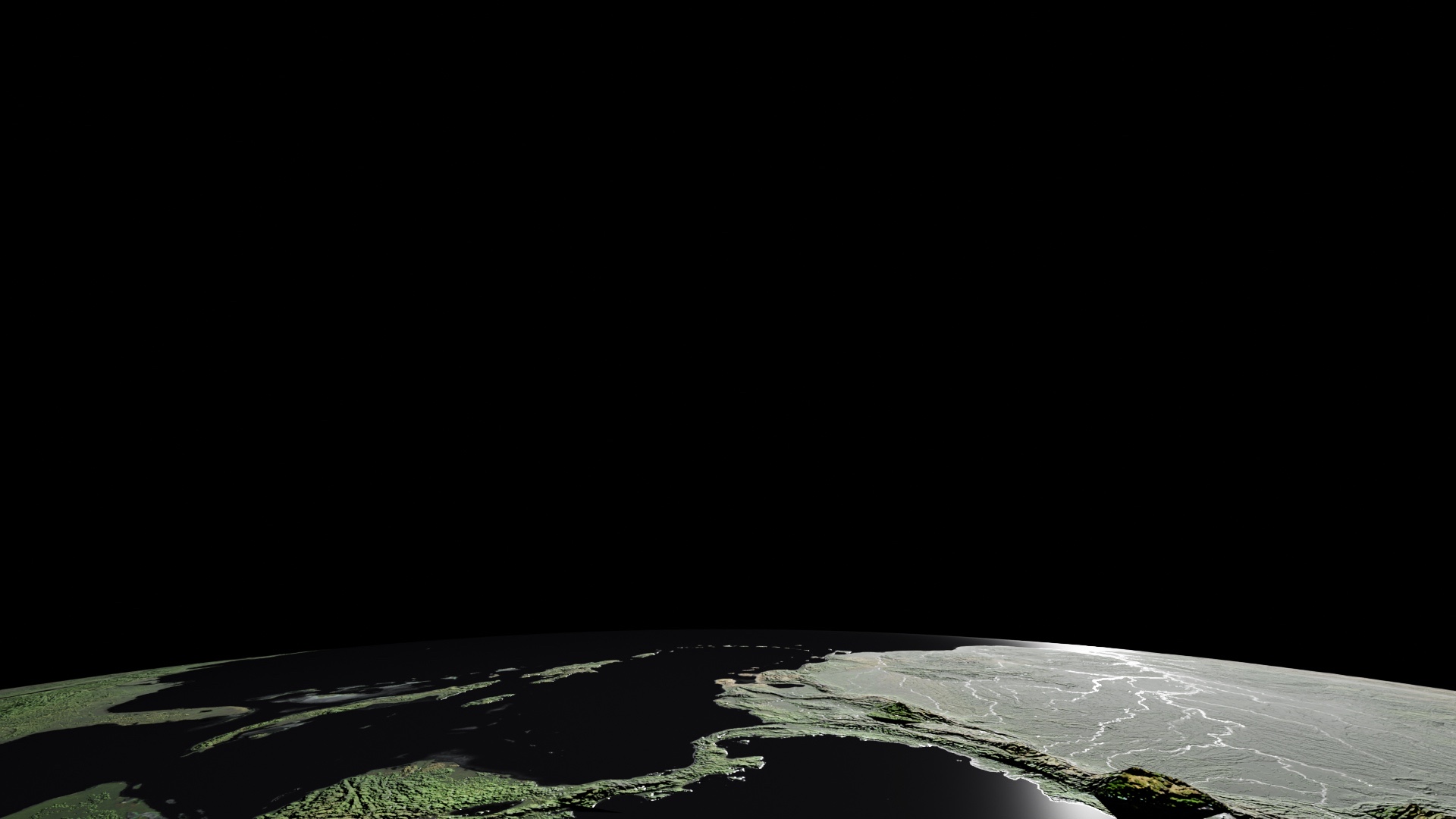
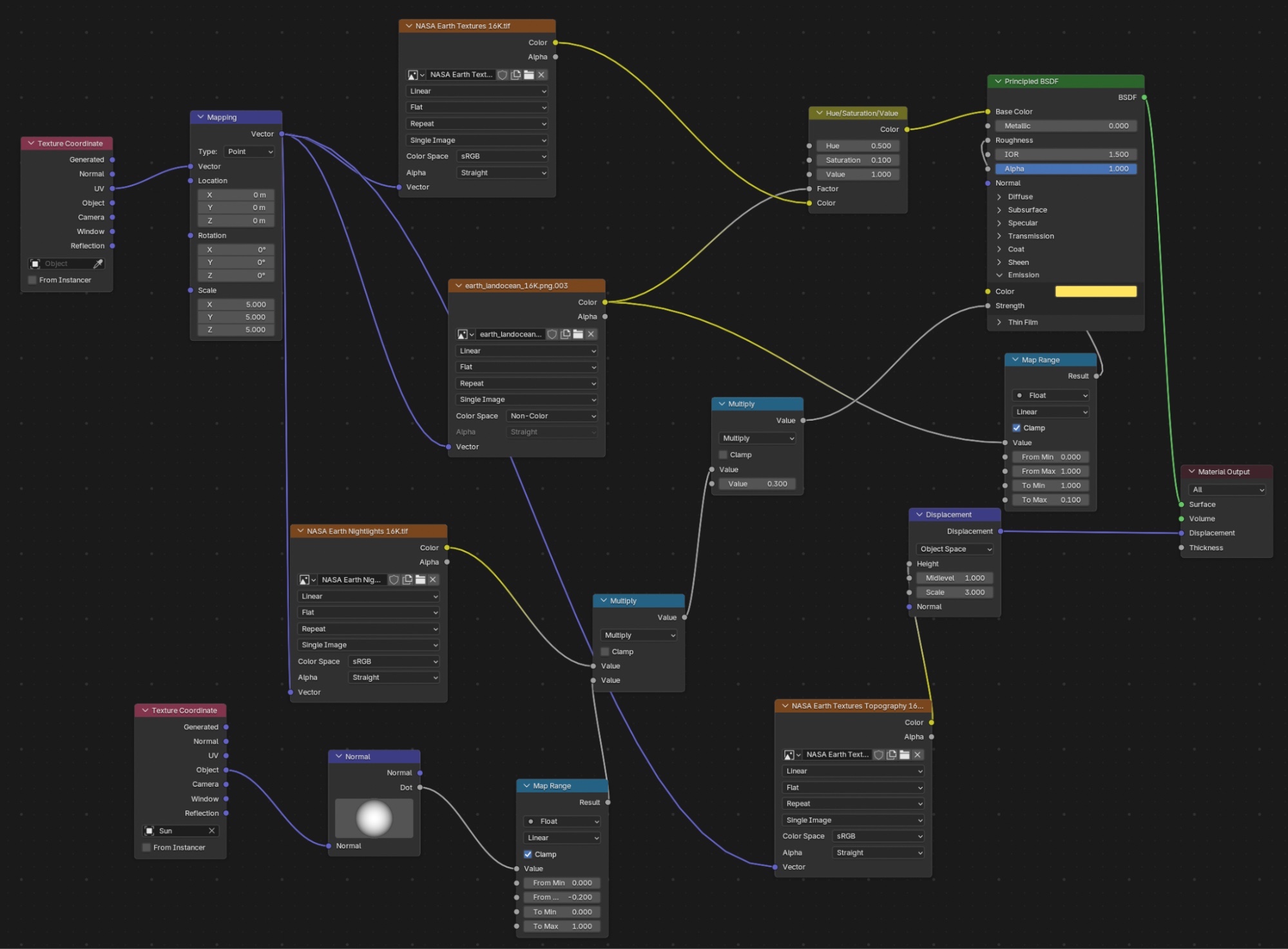
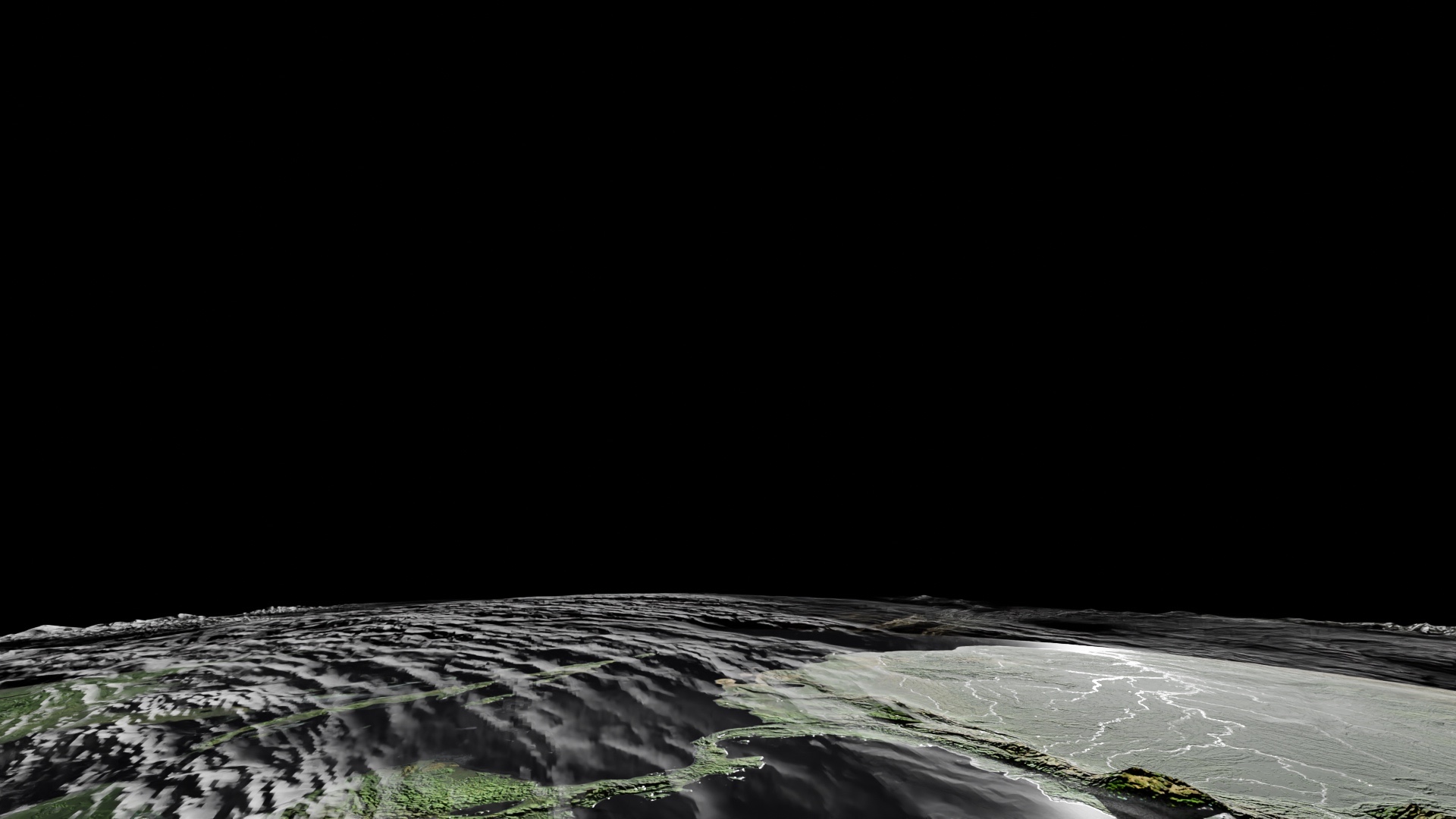
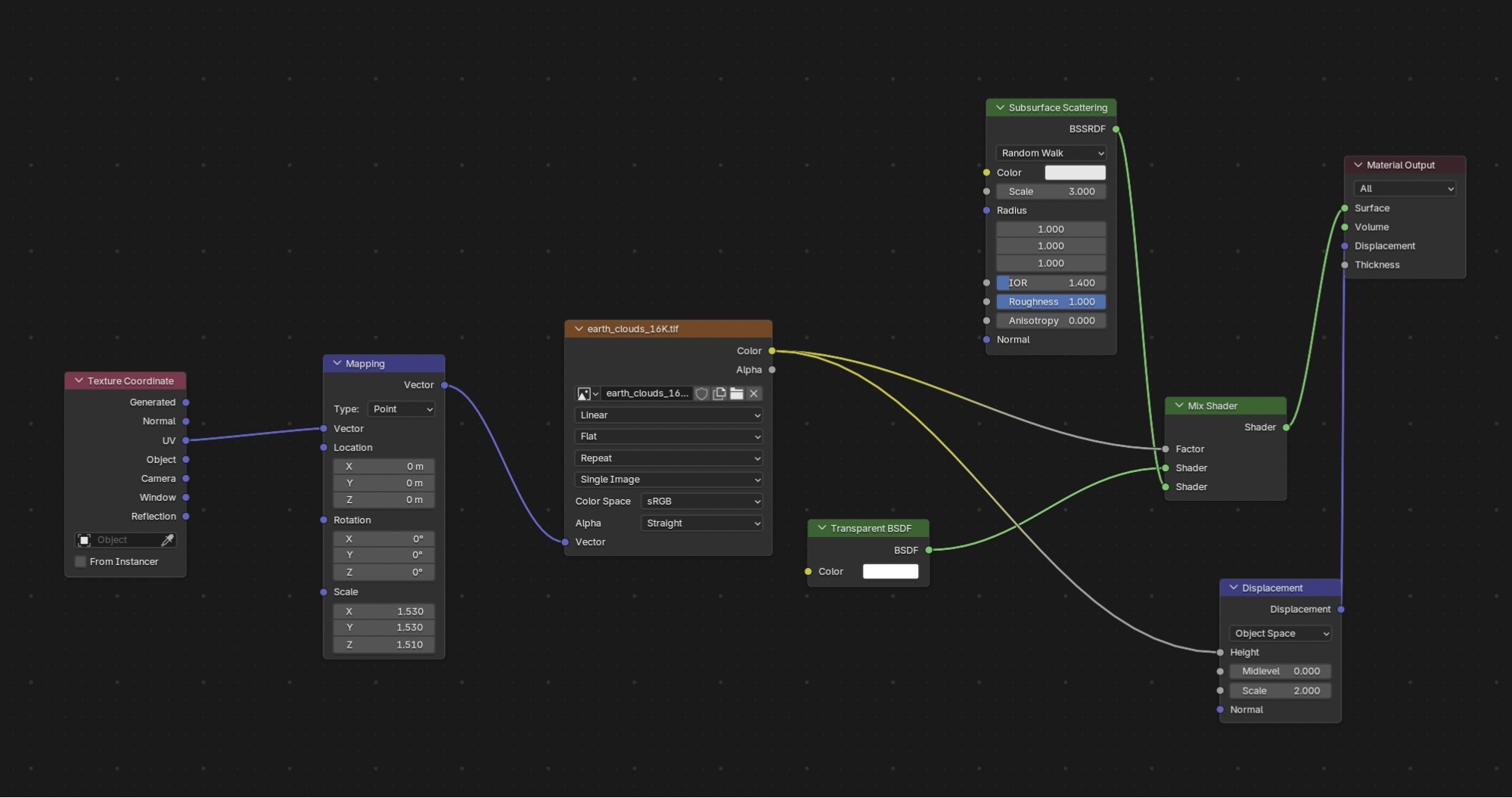
- 16K NASA textures.
- Advanced compositing techniques to compensate for hardware limitations.
- Detailed work on atmosphere, glow, diffusion, and color balance.
Meteors
I modeled about ten base meteors with detailed displacement and UV unwraps, distributed via a particle system generating roughly 50,000 instances.
Modelling & Texturing
1. Space Ship
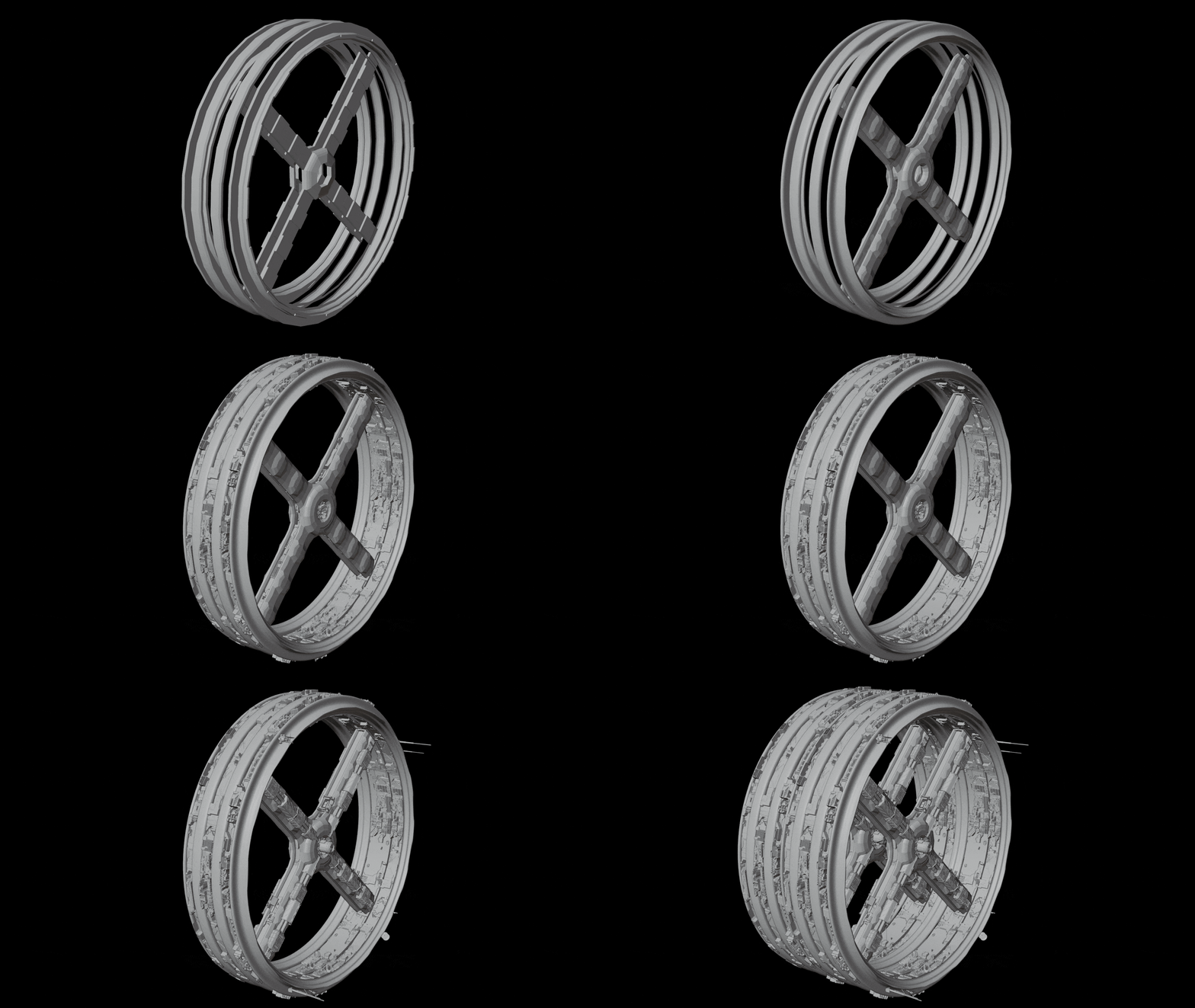
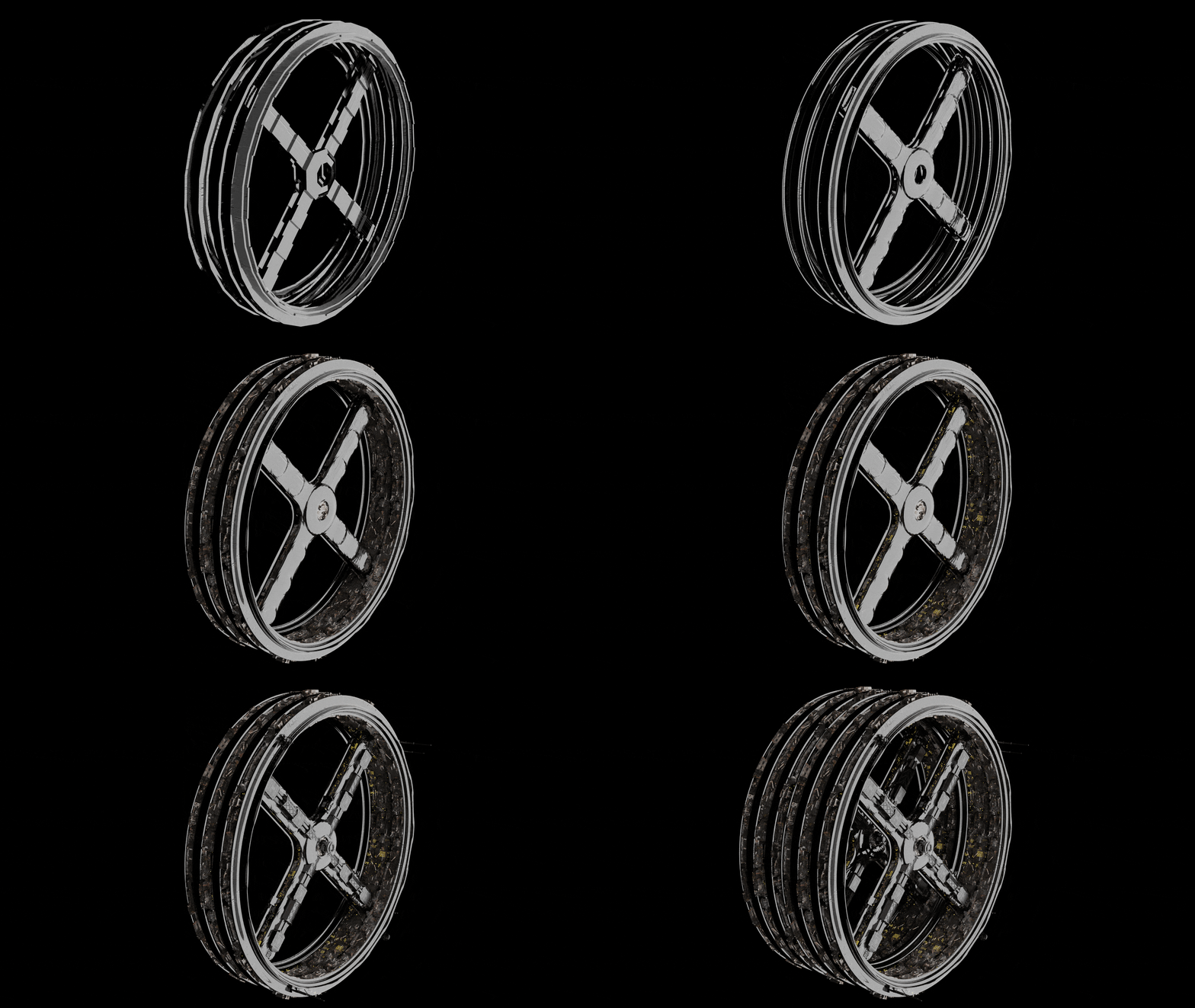
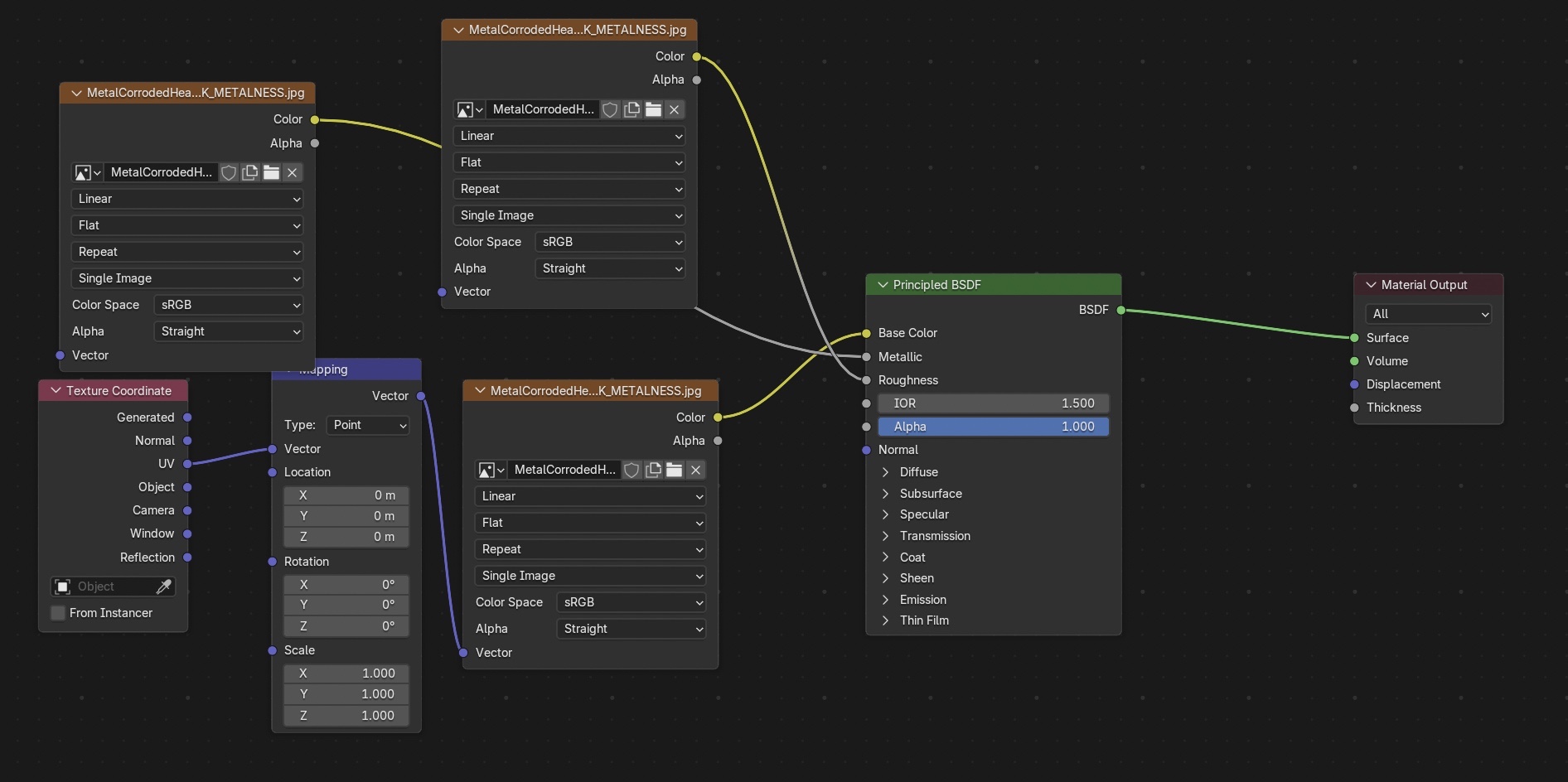
Rusted Metal with Displacement
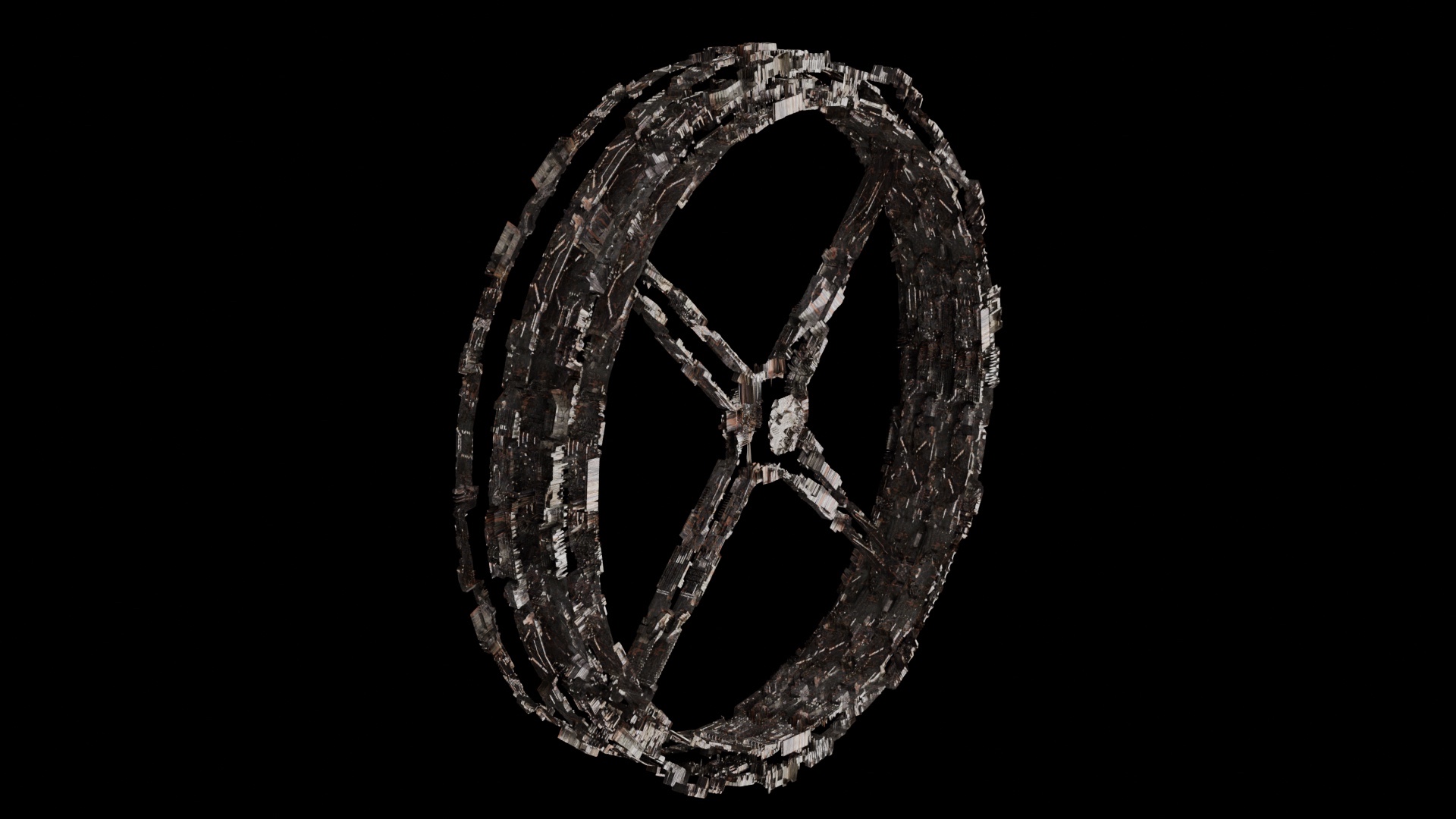
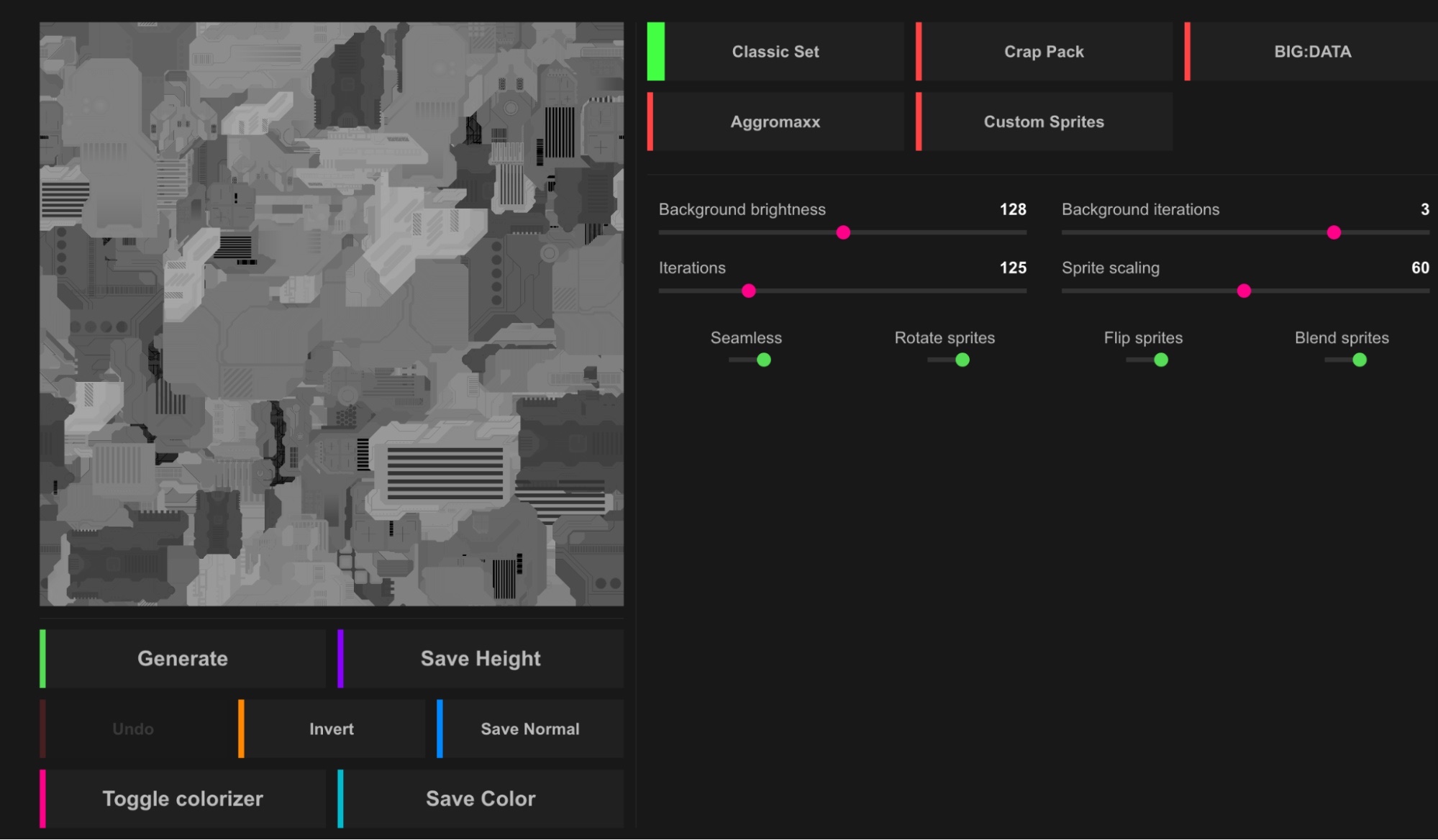
Using this image generated from JSplacement as displacement texture.
Smooth Reflective Metal
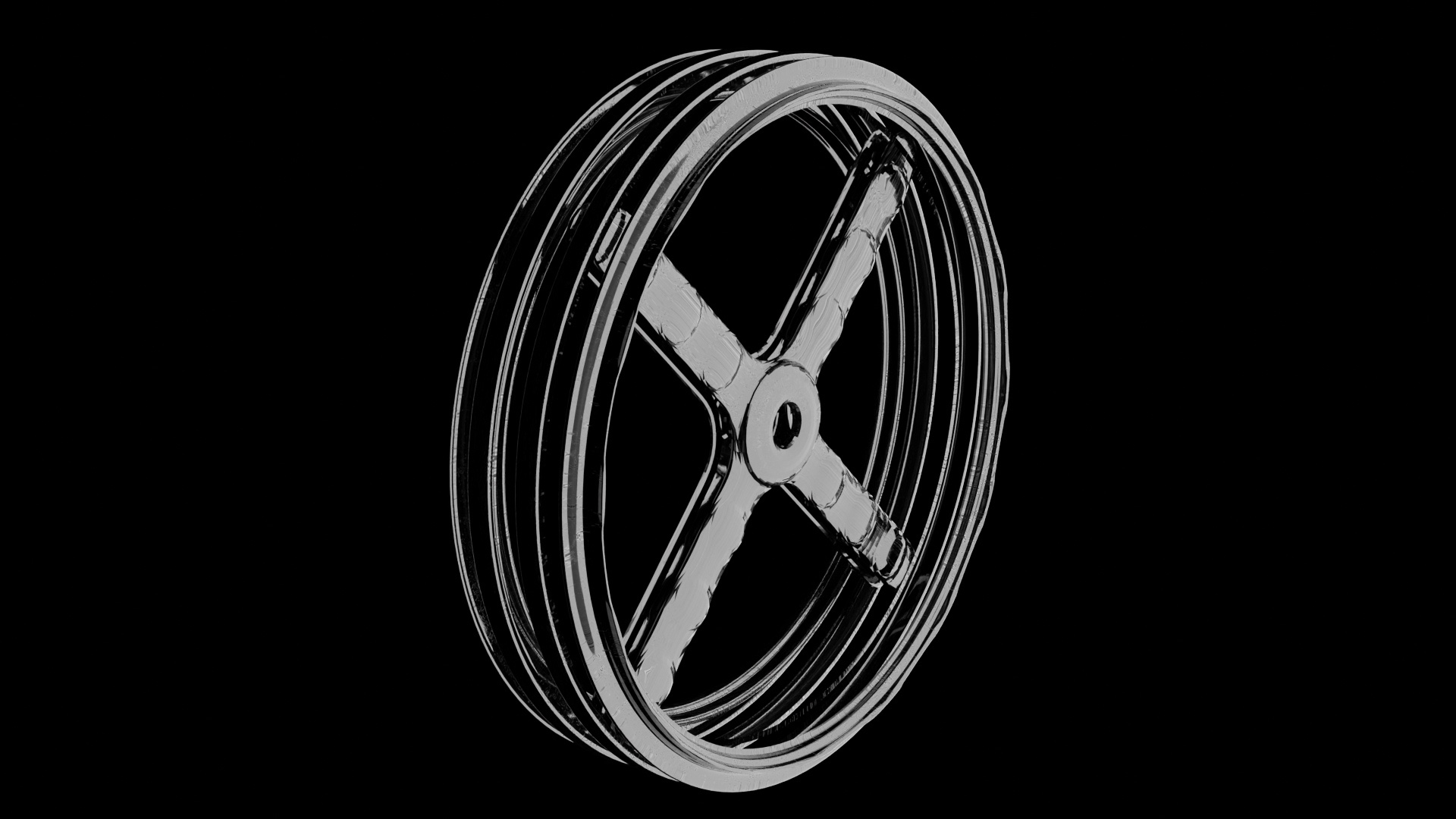
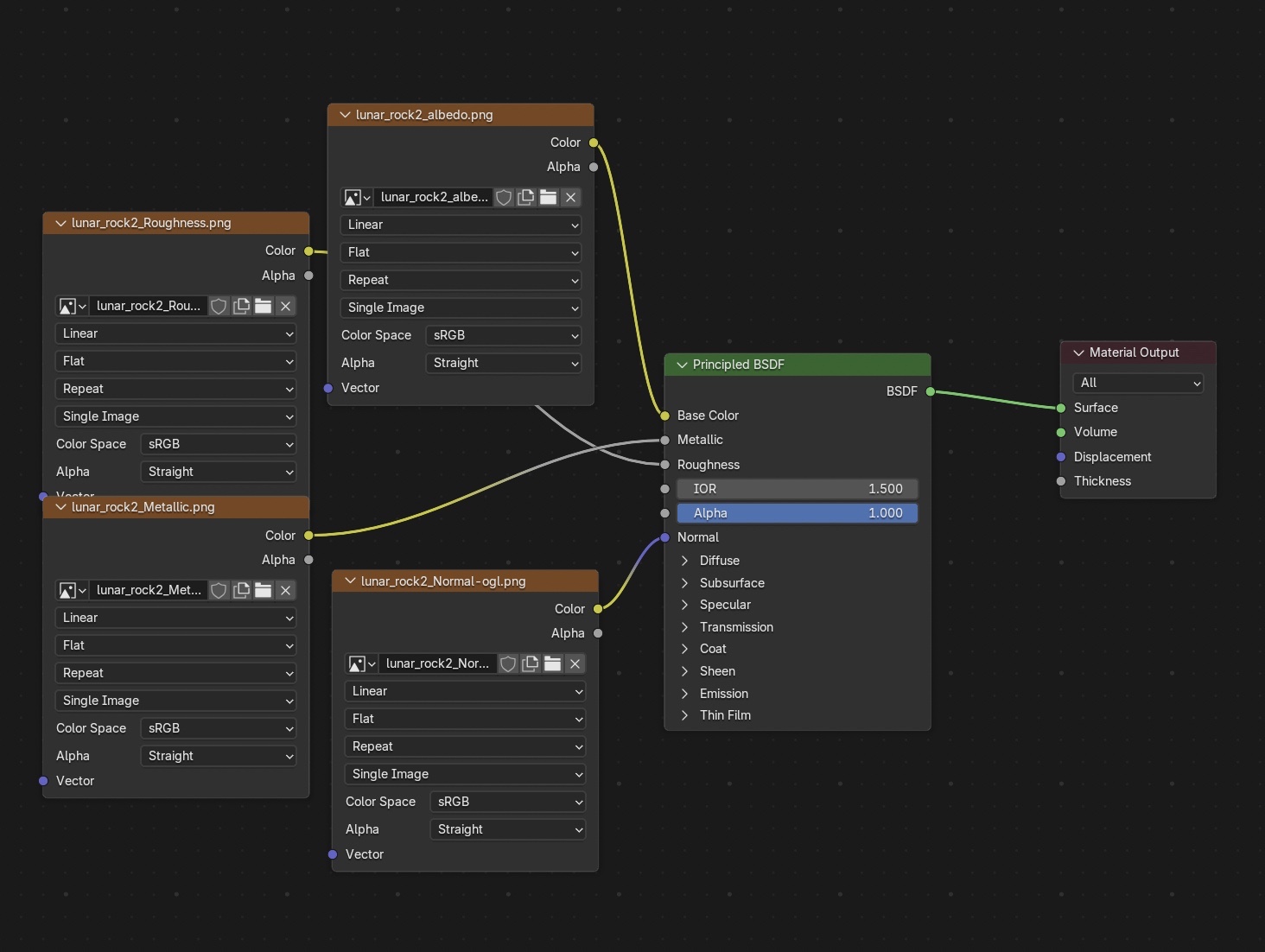
Small Emissive Lights
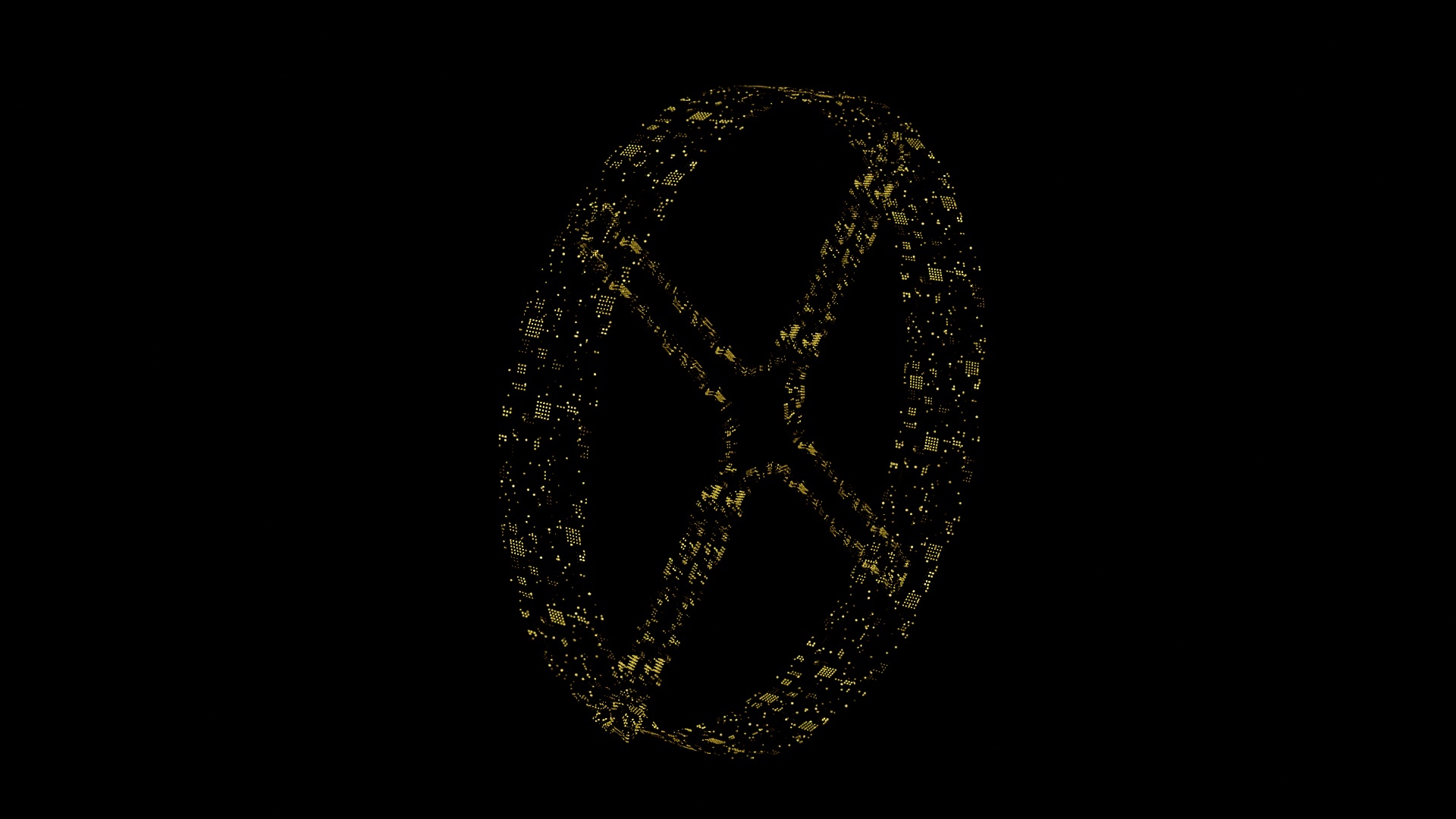
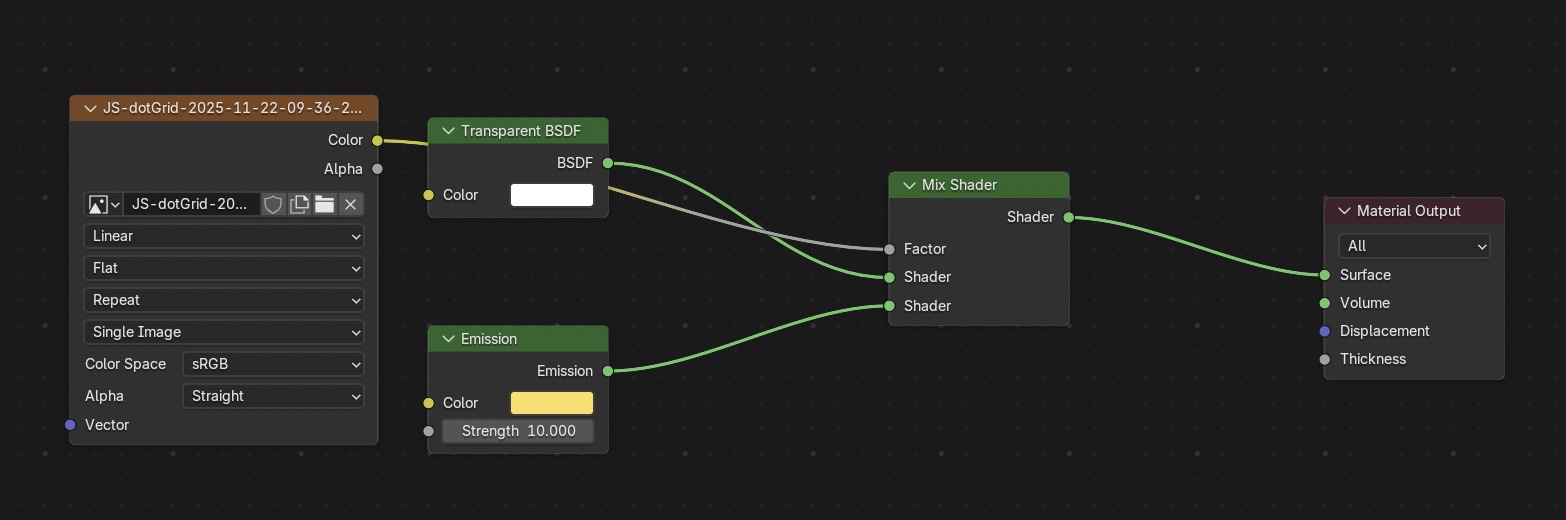
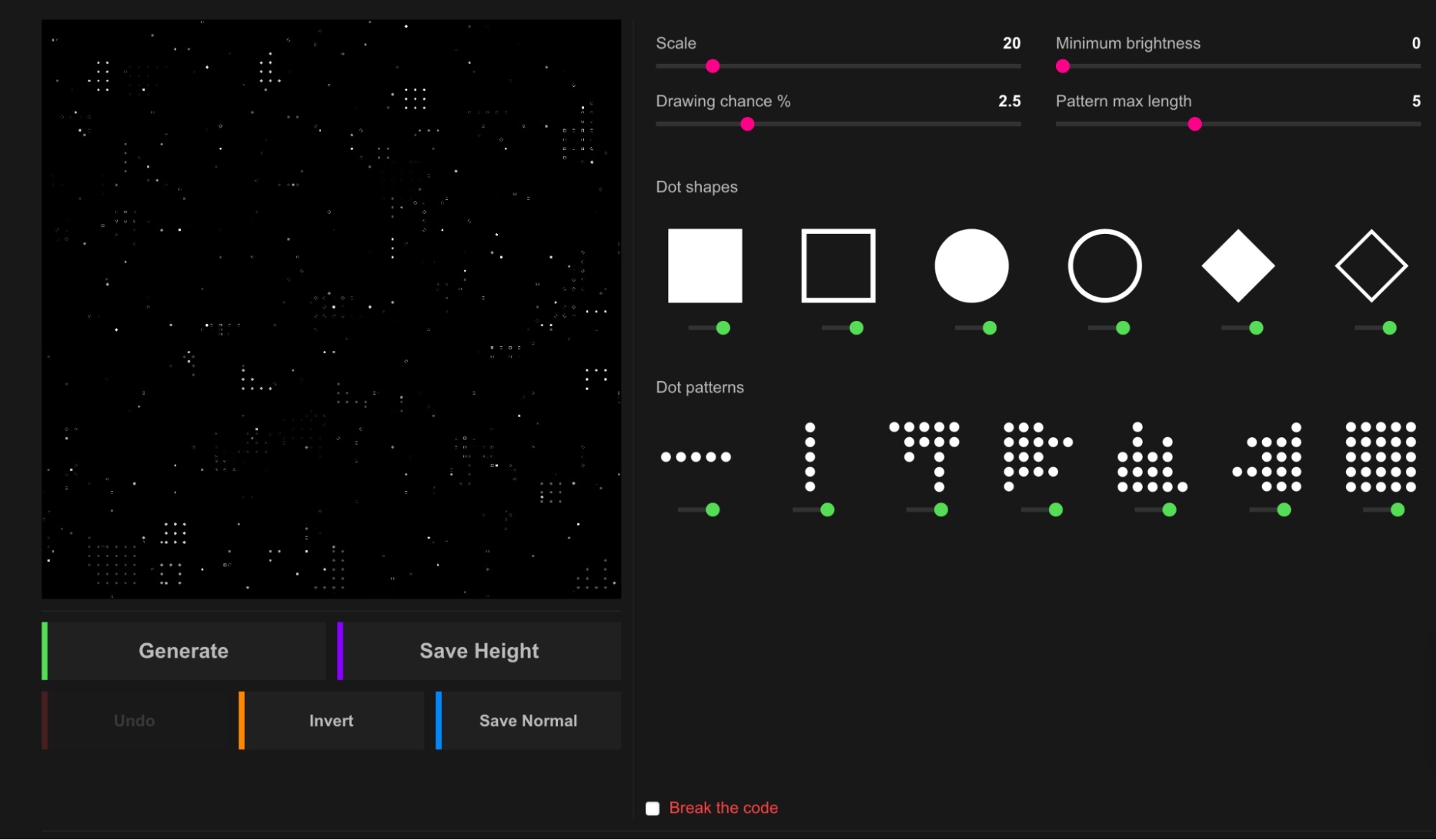
Using this image generated from JSdisplacement as texture for emissive lights.
2. Meteor
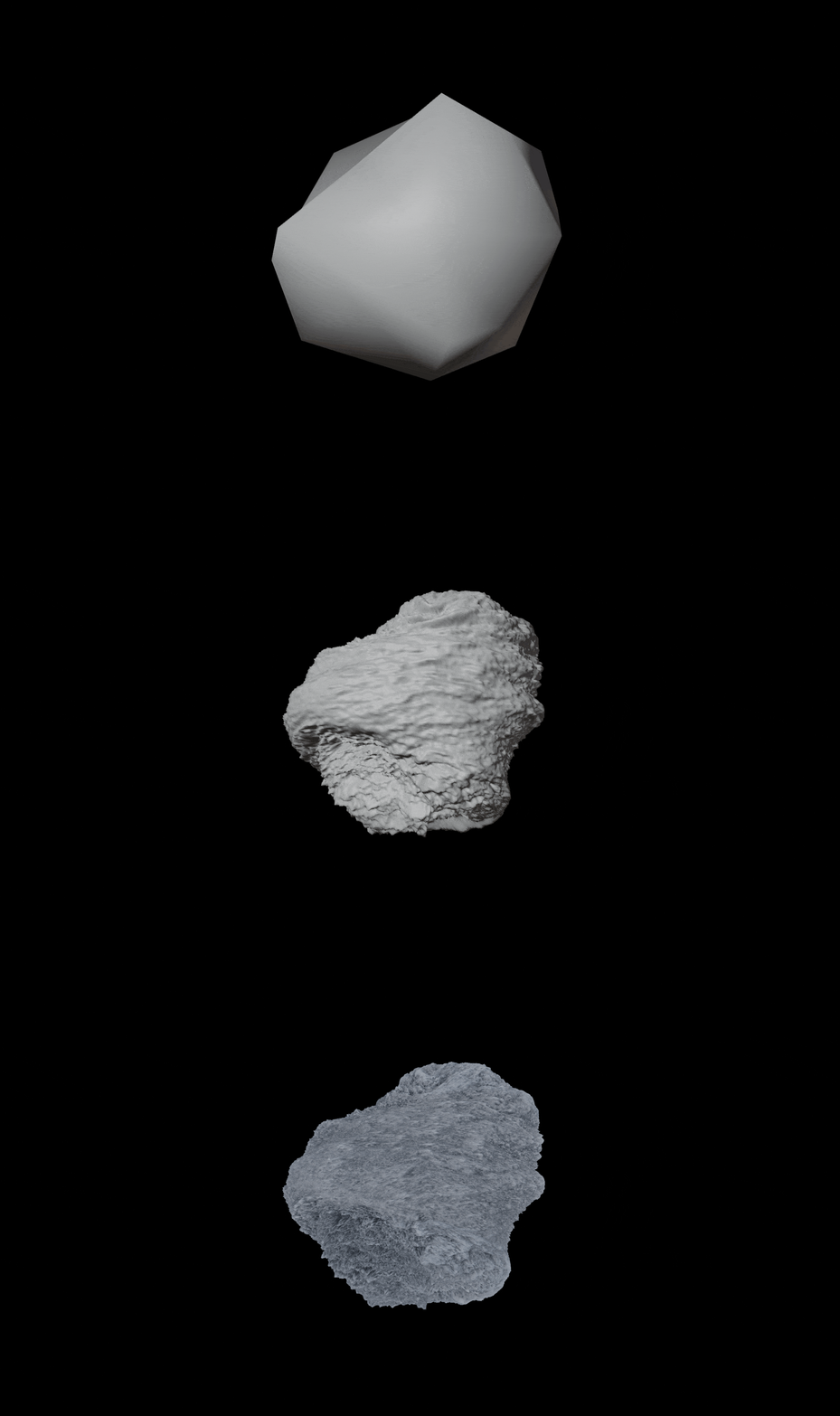
3. Planet Earth
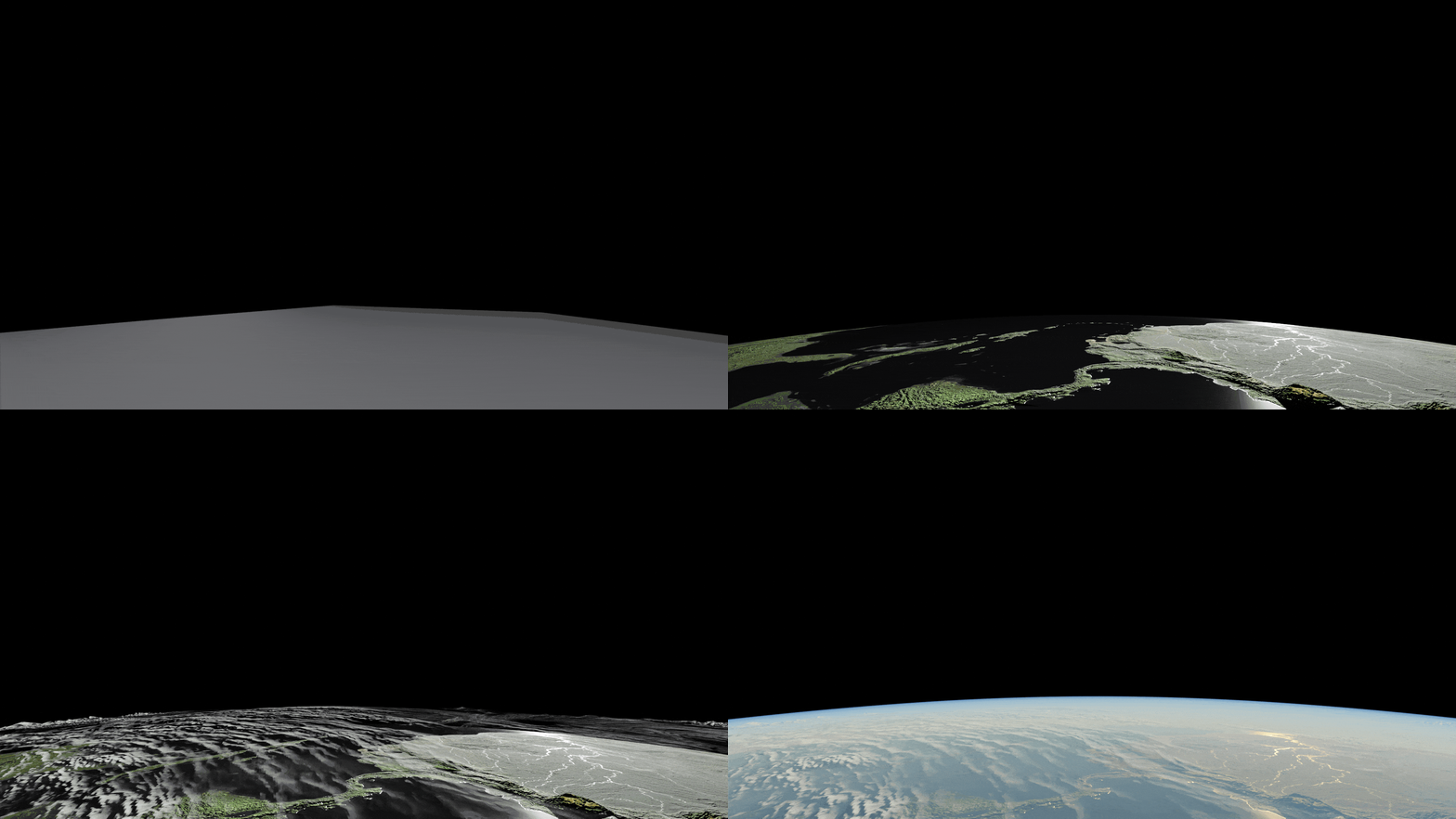
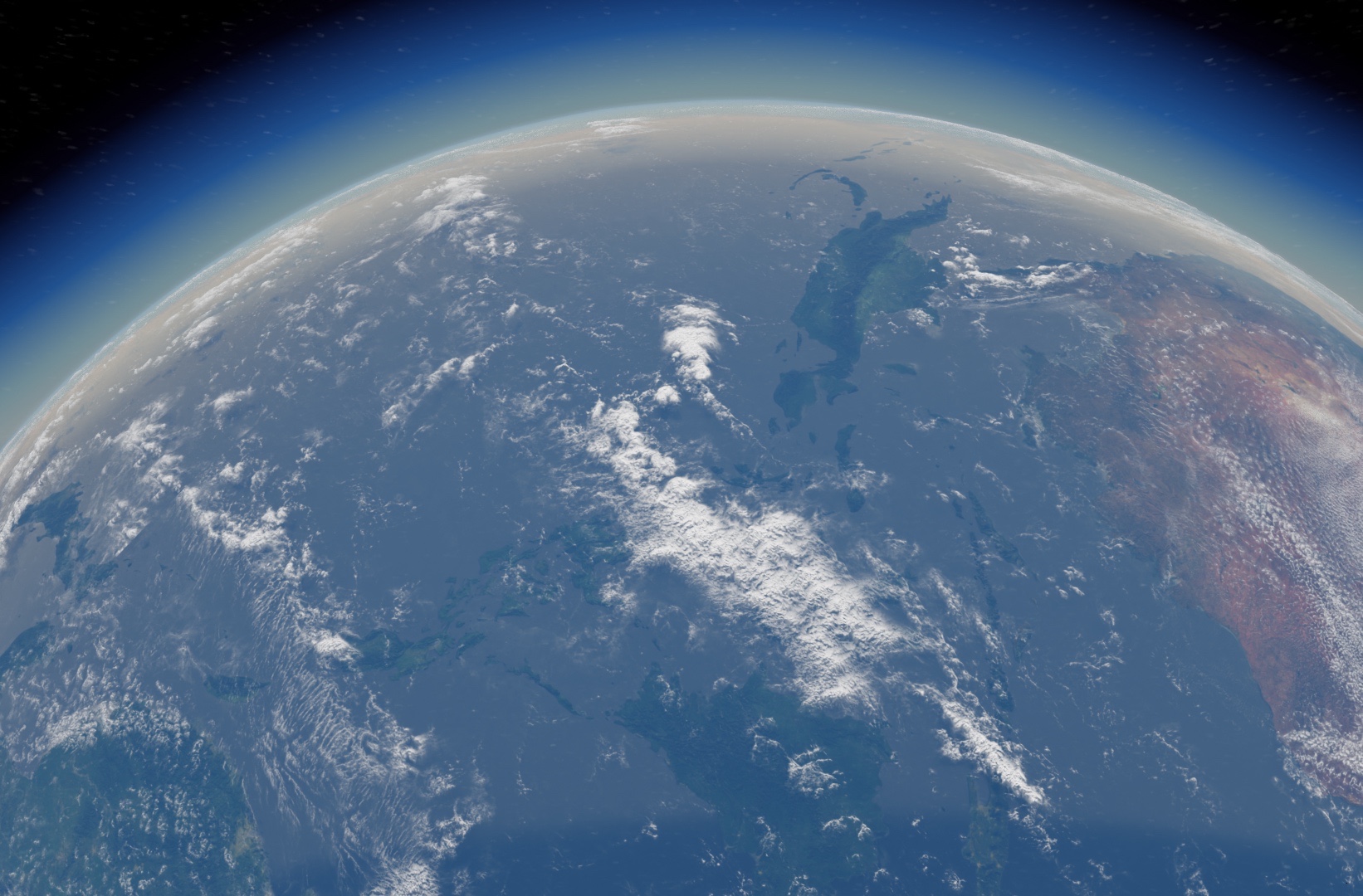
Earth Surface
Clouds
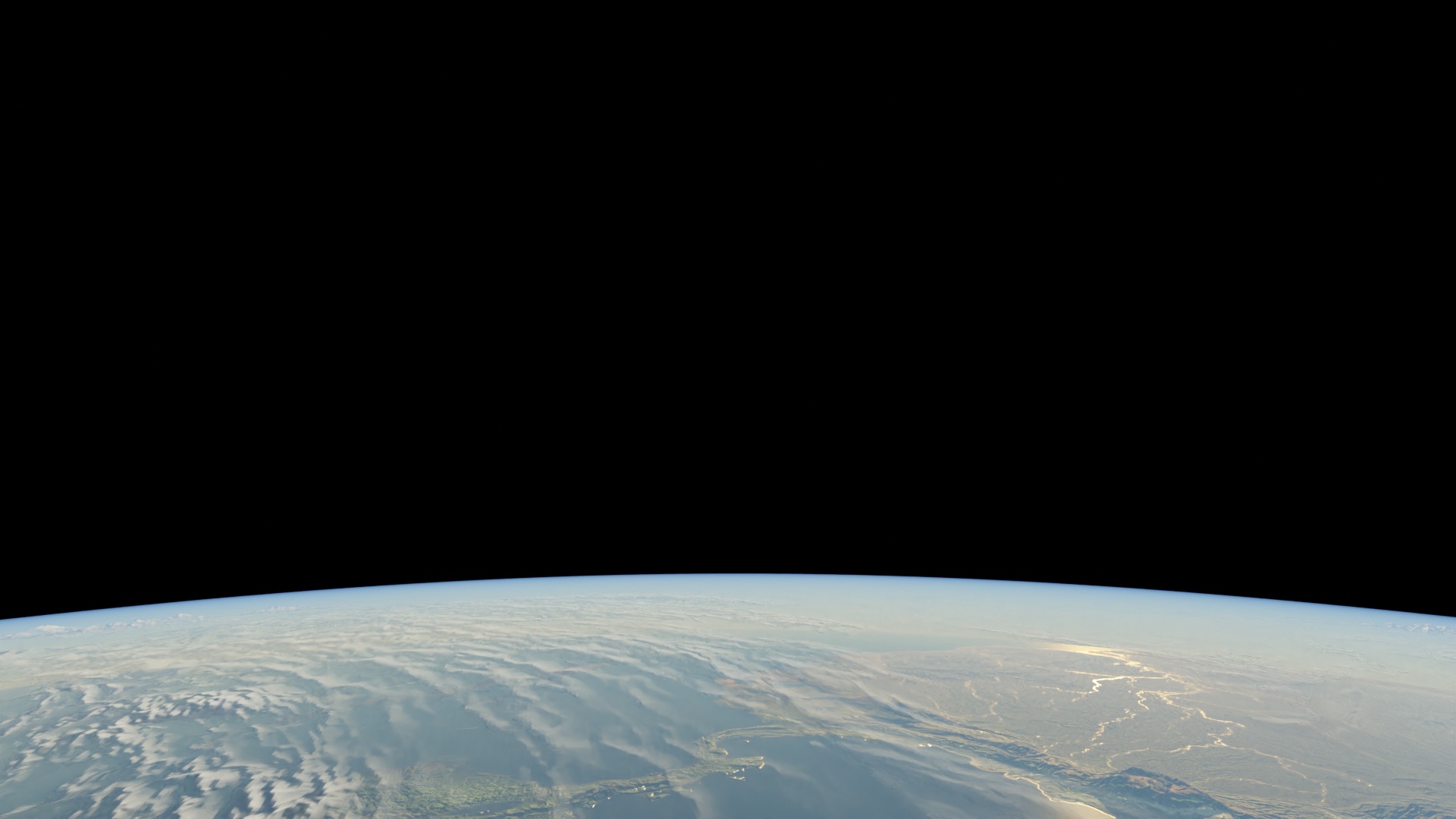
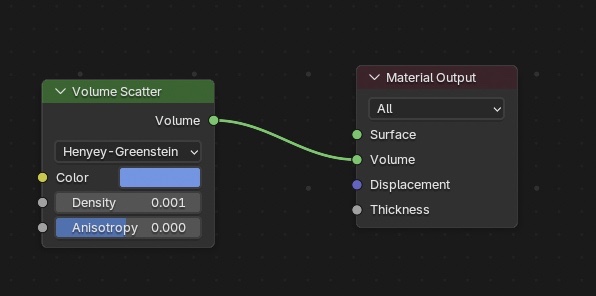
Atmosphere
Compositing
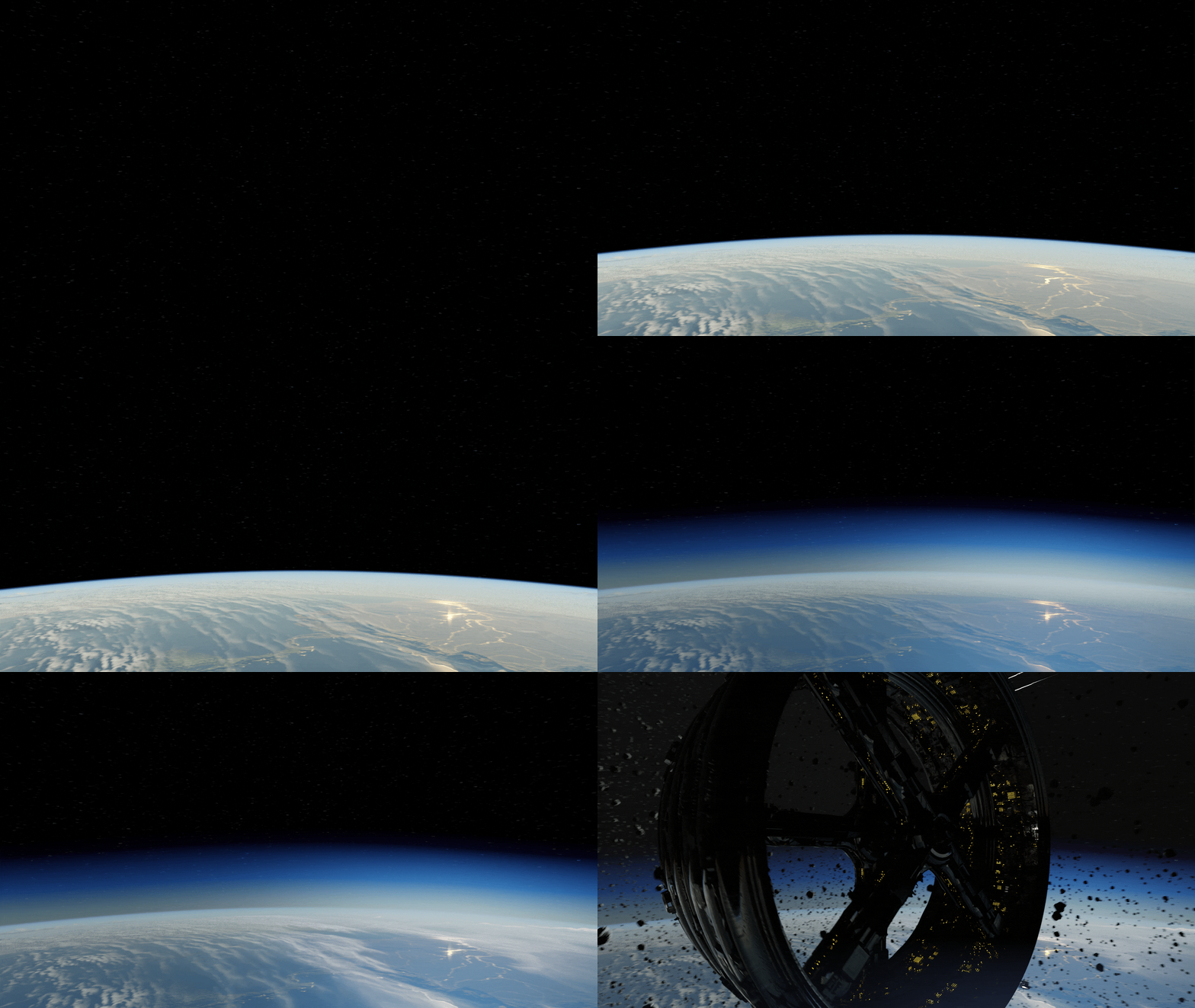
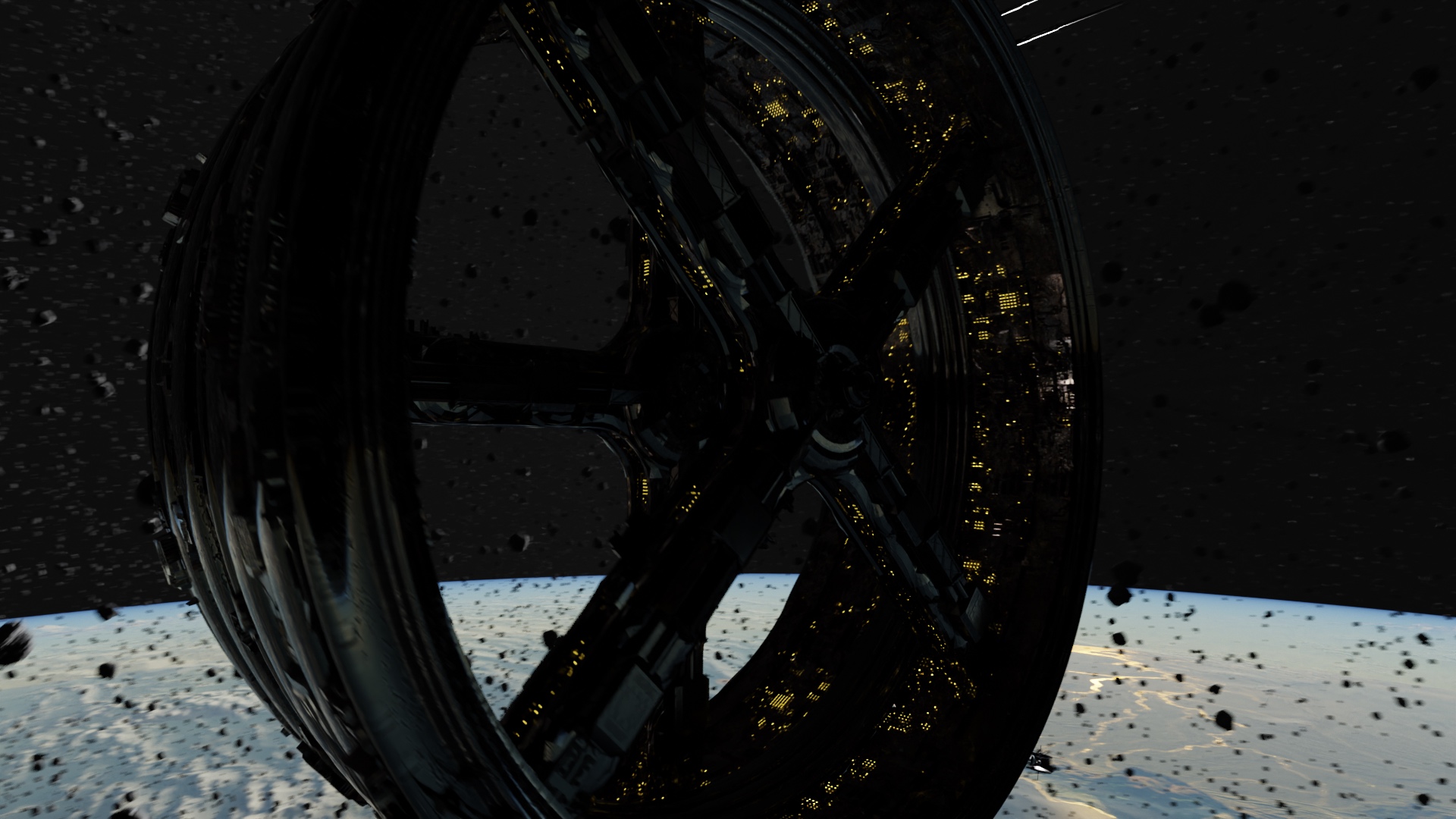
Before Compositing
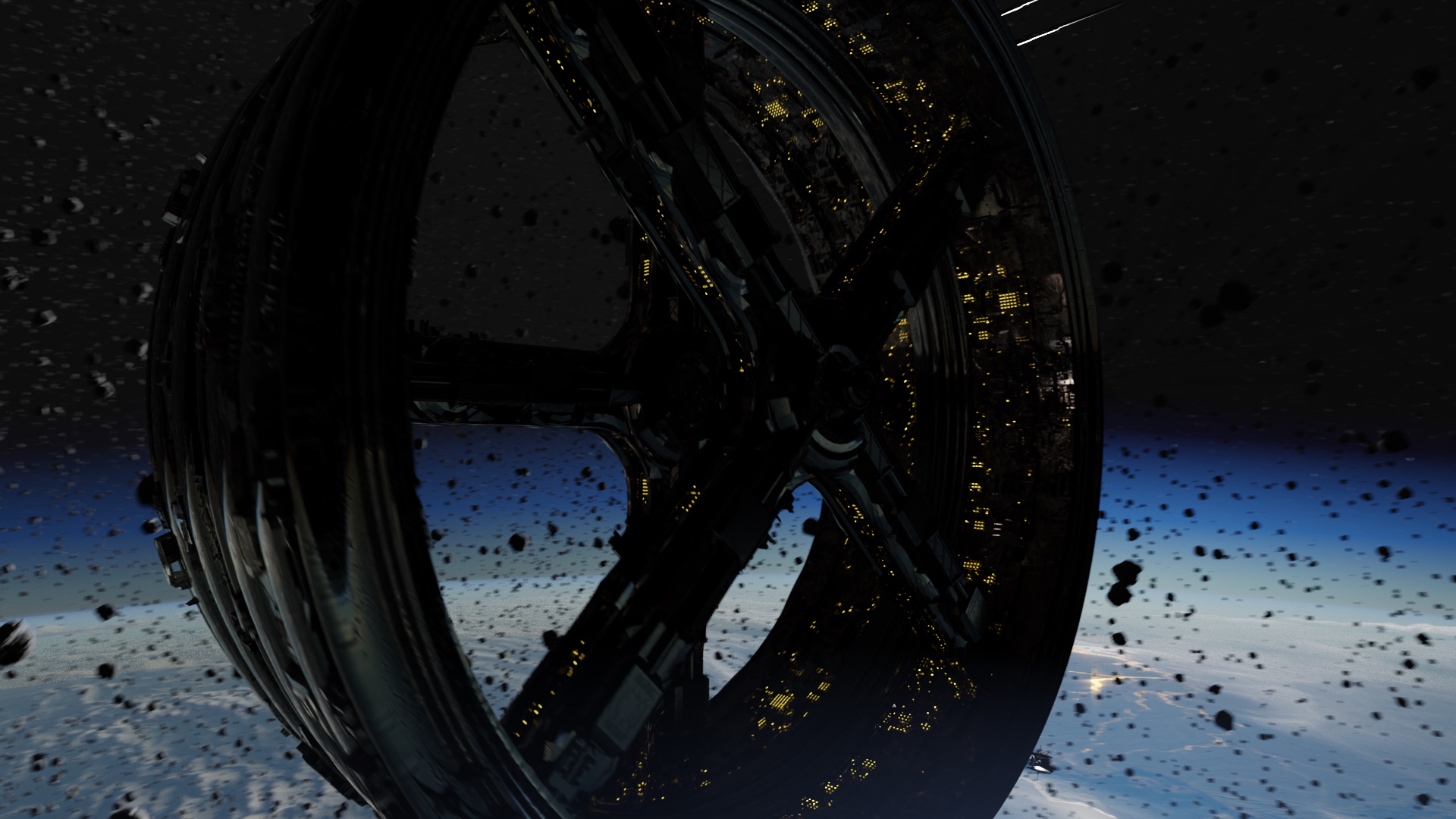
After Compositing
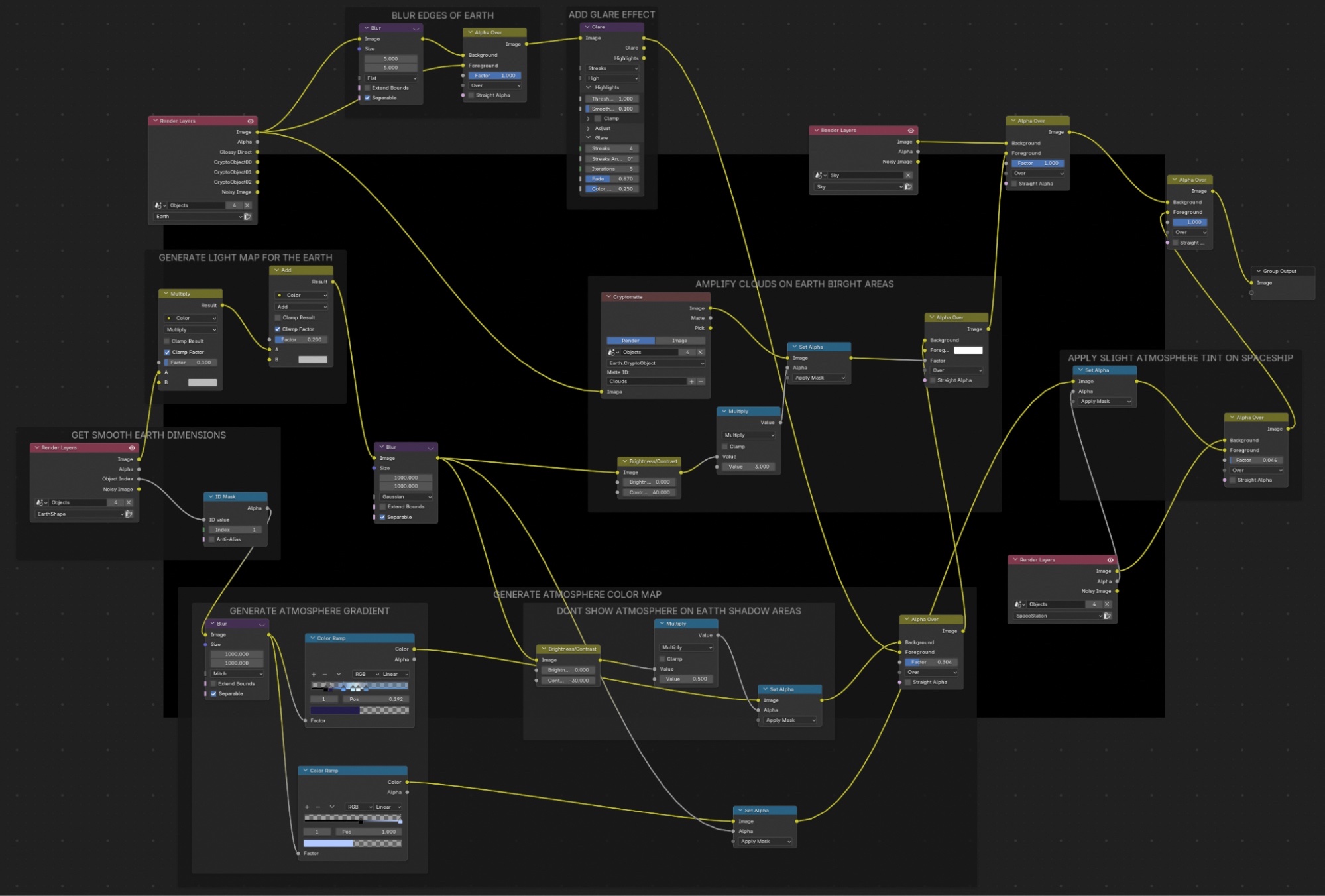
I took the sky render layer and placed it first without any effects. Then, I overlay the planet render layer on top. Behind it, I apply a blurred version to soften the edges of the planet and create a smoother border.
Next, I add nodes to create a gloss effect on the reflective areas of the planet, particularly the oceans. Then, I use the Earth shape to generate an atmosphere, which we place on top of the planet.
I make this atmosphere respond to the brightness level, meaning it is more visible in the areas where the Earth is well-lit and slightly less visible where it is darker, for a more realistic look.
After that, I use Cryptomatte to bring out the clouds, which tend to be hidden by the atmosphere. Finally, I overlay the view layer containing meteors and the space station, adding a subtle blue halo effect from the atmosphere on both the station and the meteors.
External Resources Used
Earth Surface, Clouds, Night Lights textures: NASA Visible Earth Catalogue
Space Station Metal textures and Asteroid textures: Poly Haven Catalog
Space Station Small Greebles meshes: Miscellaneous Greeble Pack by Spacehead